
April 30, 2026
How to Convert Text to Handwriting: Step-by-Step Guide
Converting text into handwriting has become incredibly easy with modern online tools. Whether you are a student creating handwritten assignments or someone who needs handwritten notes, you no longer have to write everything manually.
In this complete guide, you will learn how to convert text to handwriting step by step, along with the best methods, tool settings, and practical tips to get realistic handwritten results.
What Does "Convert Text to Handwriting" Mean?
Text to handwriting conversion is the process of turning digital text typed on a computer or mobile device into handwritten-style output.
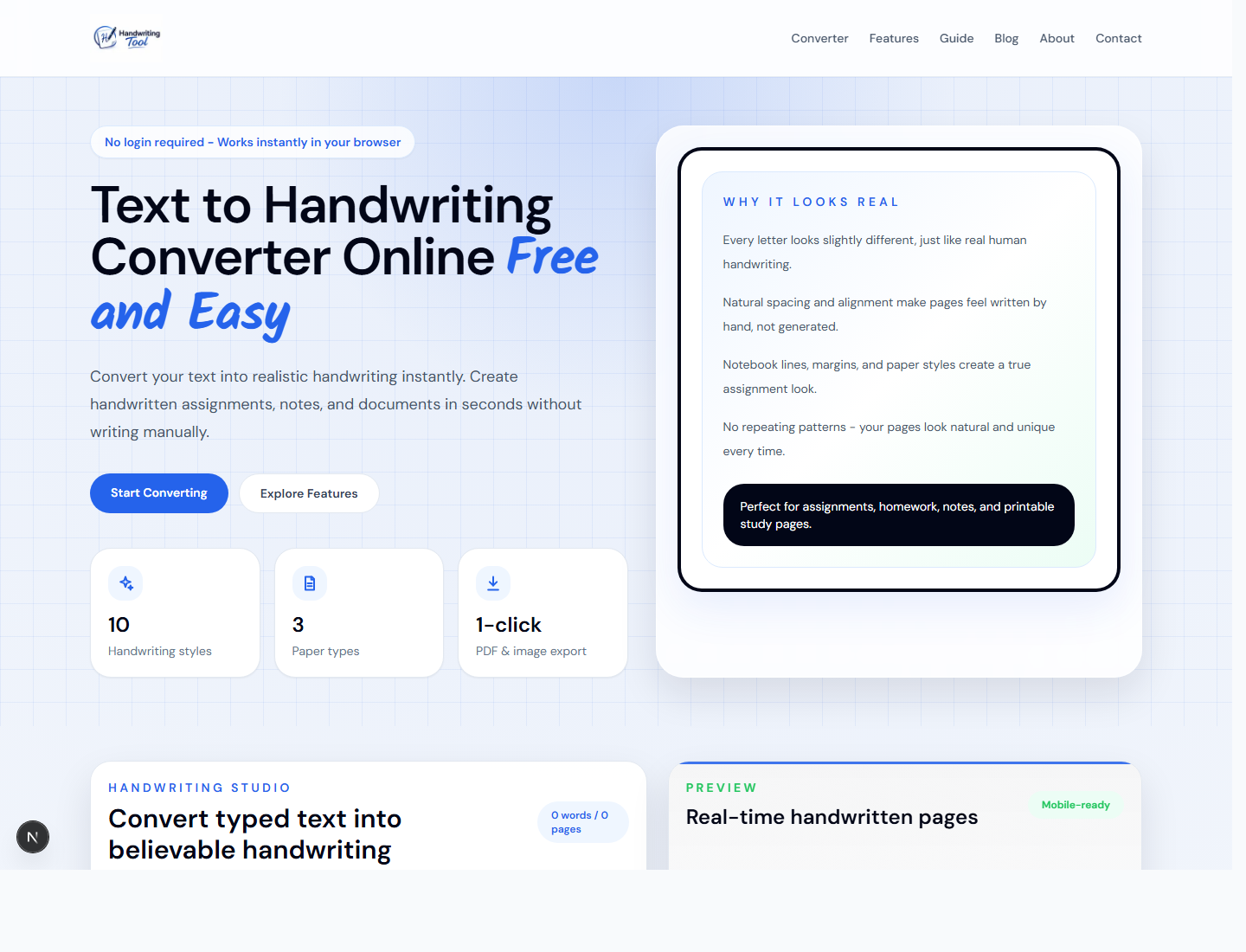
Instead of writing pages by hand, you can use a text to handwriting converter to generate natural-looking handwritten content in seconds. The tool renders your typed content in a handwriting style, places it on a paper layout, and lets you download the final page as a PDF or image.
This is commonly used for:
- Handwritten assignments
- Study notes
- Personal documents
- Practice writing formats
- Printable notebook-style pages
How to Convert Text to Handwriting Step by Step
The process is simple. You can use the free converter on the HandwritingTool homepage and follow these steps.
Step 1: Enter Your Text
Type or paste the text you want to convert into handwriting. This can be an assignment, paragraph, study note, essay draft, or any other content you want to format as handwriting.
Step 2: Choose a Handwriting Style
Select a handwriting style that looks natural and readable. A simple, clean handwriting style usually works better than an overly decorative font, especially for assignments and notes.
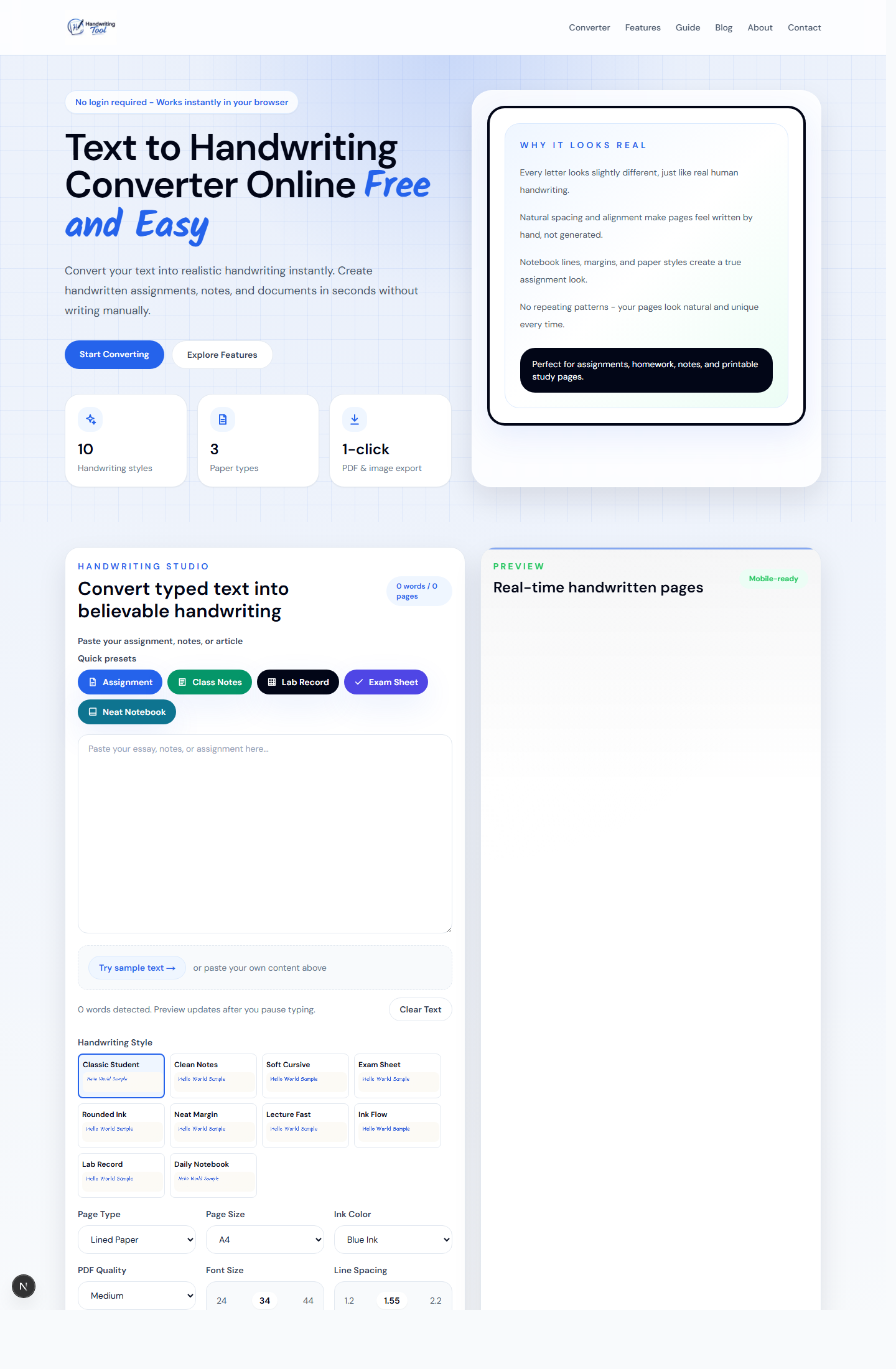
Step 3: Customize the Output
Adjust settings like:
- Font size
- Line spacing
- Word spacing
- Ink color
- Paper style
- Page size
- Margin line
These small settings make a big difference. For example, wider line spacing can make long notes easier to read, while blue ink on lined paper gives a familiar assignment-style look.
Step 4: Generate Handwriting
After you enter text and choose settings, the handwriting preview updates automatically. You can review the page, change the style, and adjust spacing until the result looks right.
Step 5: Download Your File
Save your handwritten content as a PDF, PNG, or JPG file. PDF is usually best for assignments and printing. PNG or JPG is useful if you want to share a single page as an image.
Best Way to Convert Text into Handwriting Fast
While there are many tools available online, the easiest and fastest way is to use a simple and reliable handwriting generator.
You can try HandwritingTool here:
Open the free text to handwriting converter
This handwriting tool online allows you to:
- Convert text into handwriting instantly
- Create handwritten assignments quickly
- Download files in PDF or image format
- Use different handwriting styles
- Choose lined, blank, or graph paper
- Adjust text size, spacing, margins, and ink color
It is designed to be simple, fast, and user-friendly, especially for students.
Manual Writing vs Online Handwriting Tools
| Feature | Manual Writing | Online Handwriting Tool | | --- | --- | --- | | Time required | Slow for long assignments | Fast for long text | | Editing | Difficult after writing | Easy before export | | Physical effort | High | Low | | Style options | Limited to your handwriting | Multiple handwriting styles | | Export options | Scan or photograph manually | Download PDF, PNG, or JPG | | Best for | Personal practice and original writing | Quick notes, assignments, and formatted pages |
Manual writing is still useful when you need original personal handwriting. But if your main goal is to turn typed content into clean handwritten-style pages quickly, an online handwriting generator is much more efficient.
Why Use a Text to Handwriting Converter?
Using a handwriting converter saves time and effort compared to manual writing.
Key Benefits
- No need to write pages by hand
- Fast and efficient
- Clean and readable output
- Easy customization
- Useful for assignments and notes
- Downloadable PDF and image files
For students, this can be a huge time-saver when dealing with long handwritten tasks. For teachers, creators, or general users, it can also help create sample handwritten pages, worksheets, or note-style documents.
Tips to Make Handwriting Look More Realistic
If you want your handwritten output to look natural, follow these tips.
Use Slightly Uneven Spacing
Perfect alignment can look artificial. Slight variations in spacing, size, and line flow help the final output feel more natural.
Choose Natural Fonts
Avoid overly stylized fonts. Simple handwriting styles usually work best for readable assignments and handwritten notes.
Adjust Line Spacing
Proper spacing makes your content look more like real handwriting. If the text feels crowded, increase the line spacing before downloading.
Keep Paragraphs Short
Handwritten content usually looks better with shorter paragraphs. Long blocks of text can feel dense and less natural on a page.
Use the Right Paper Style
Lined paper is good for assignments and school notes. Blank paper works well for clean documents. Graph paper is useful for lab records, calculations, and structured notes.
Preview Before Downloading
Always check the preview before exporting. A quick review helps you catch spacing problems, awkward line breaks, or text that needs better formatting.
Best Settings for Handwritten Assignments
For most handwritten assignments, start with these settings:
- Paper type: Lined paper
- Ink color: Blue or black
- Font size: Medium
- Line spacing: Slightly open
- Page size: A4
- Assignment mode: Enabled
- Margin line: Enabled
These settings create a familiar classroom-style page that is easy to read and print.
Common Use Cases
People use text to handwriting tools for:
- School and college assignments
- Creating handwritten notes
- Converting typed documents
- Preparing notebook-style pages
- Practice and formatting
- Printable study material
If you need a quick option, go directly to the text to handwriting converter, paste your content, and export the result.
FAQs
How do I convert text to handwriting online for free?
You can use a free online handwriting generator. Paste your text, choose a handwriting style, adjust the page settings, and download the output as a PDF or image.
Can I convert text to handwriting in Word?
Not directly in a realistic way. Microsoft Word can use handwriting-style fonts, but it does not automatically create natural page spacing, paper backgrounds, or handwriting variation. A dedicated text to handwriting converter is usually better for realistic results.
Can I download handwritten text as a PDF?
Yes. HandwritingTool lets you download handwritten pages as PDF files, which is useful for printing and sharing.
Can I make handwritten assignments online?
Yes. You can paste assignment text into a handwriting generator, choose a writing style, select lined paper, and download the final handwritten assignment as a PDF or image.
What is the best handwriting generator?
A good handwriting generator should be fast, simple, readable, and customizable. It should let you adjust handwriting style, paper type, spacing, ink color, and export format.
Does a text to handwriting tool save my text?
HandwritingTool is designed to process text in your browser. You can generate and download handwritten pages without creating an account.
Which file format should I choose?
Use PDF if you want to print or submit a document. Use PNG or JPG if you need a single image page for sharing or previewing.
How can I make the result look more natural?
Choose a readable handwriting style, avoid very long paragraphs, use natural line spacing, and preview the page before exporting.
Final Thoughts
Converting text into handwriting is no longer difficult. With the right tool and approach, you can generate realistic handwritten content in just a few clicks.
If you want a quick and reliable solution, using an online text to handwriting converter is the best option.
Save time, reduce effort, and create handwritten content effortlessly.